

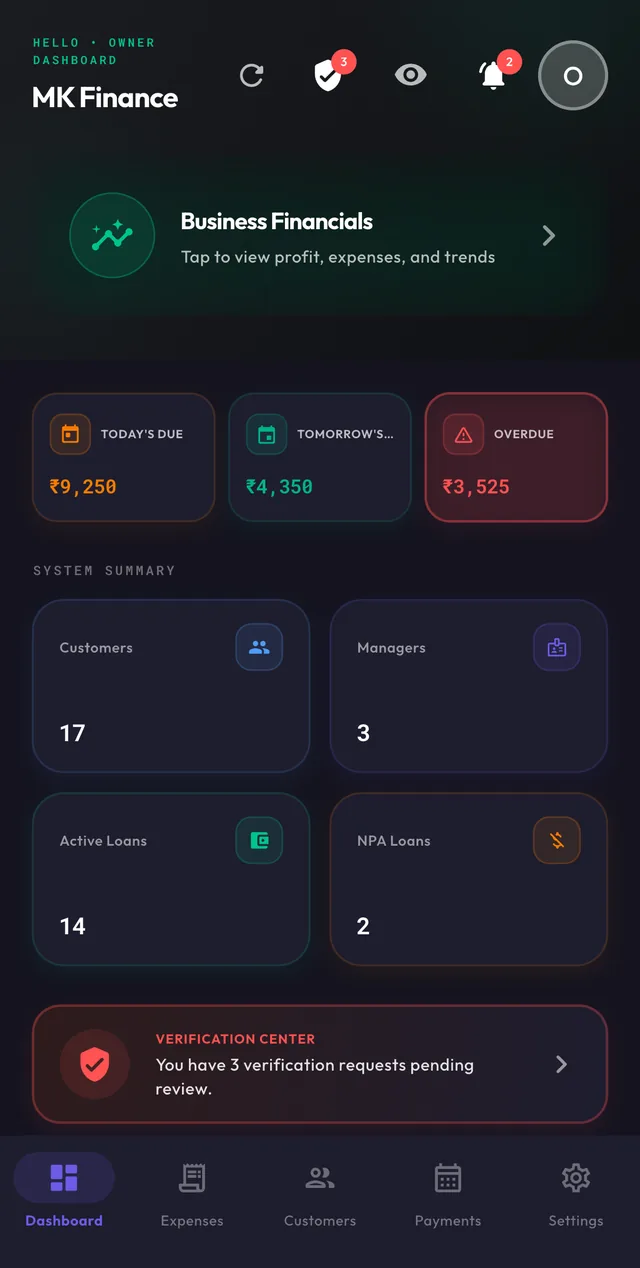
01 /One loan, start to finish
From the first entry to the final receipt.
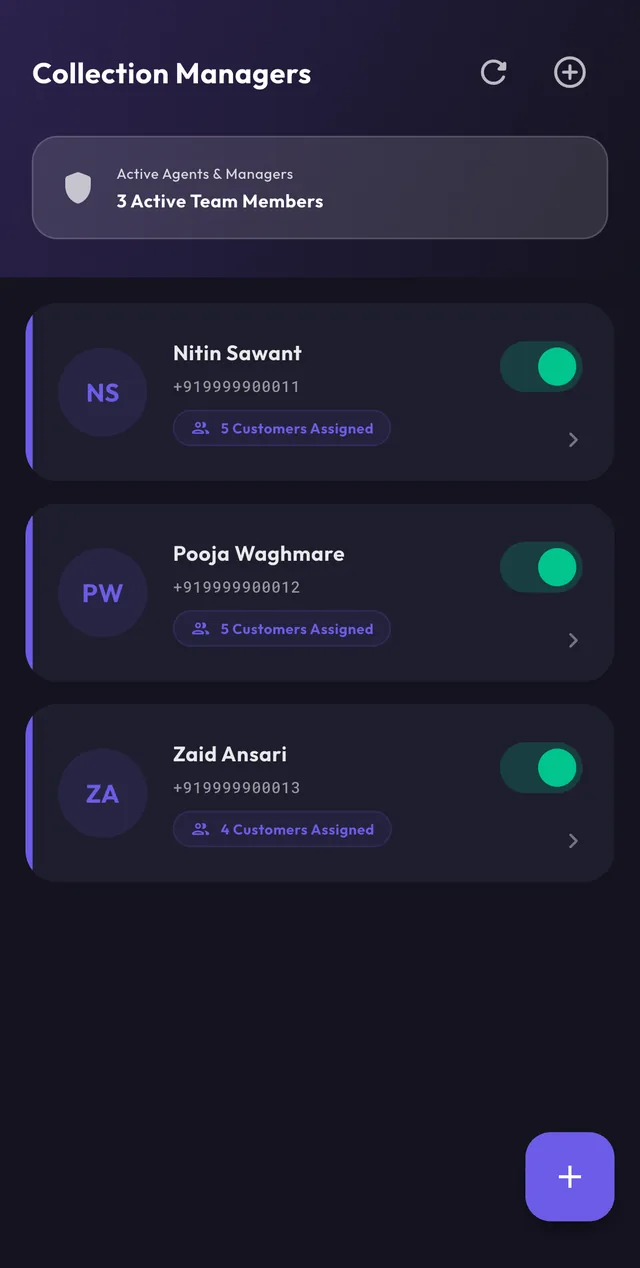
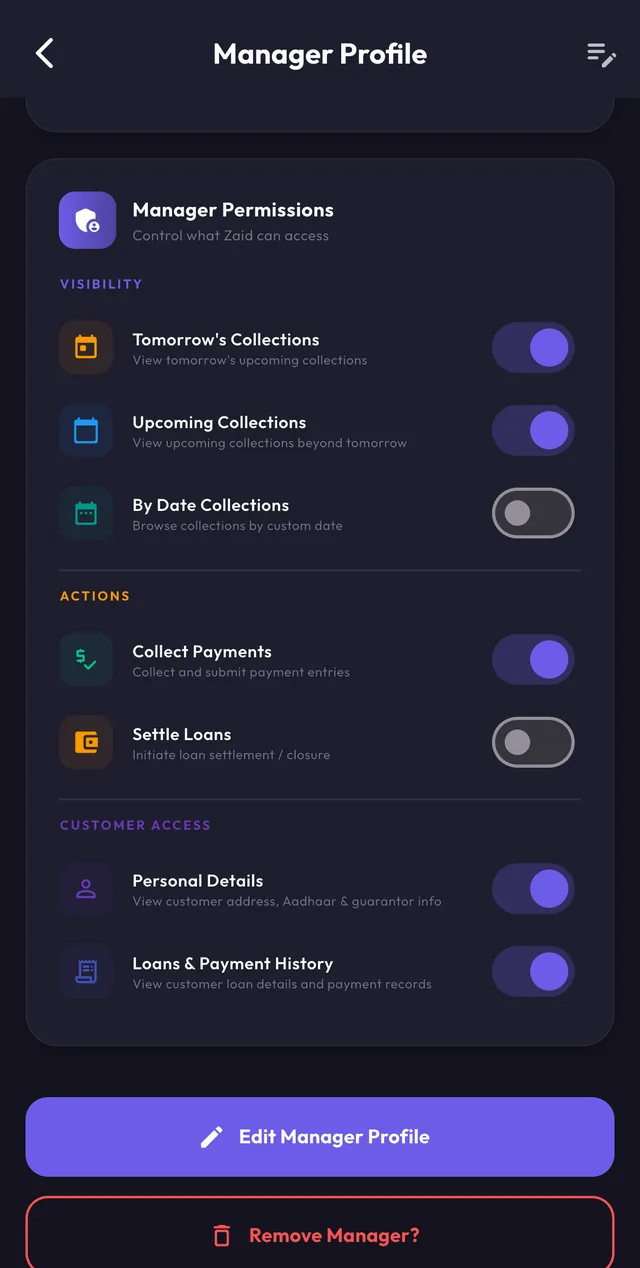
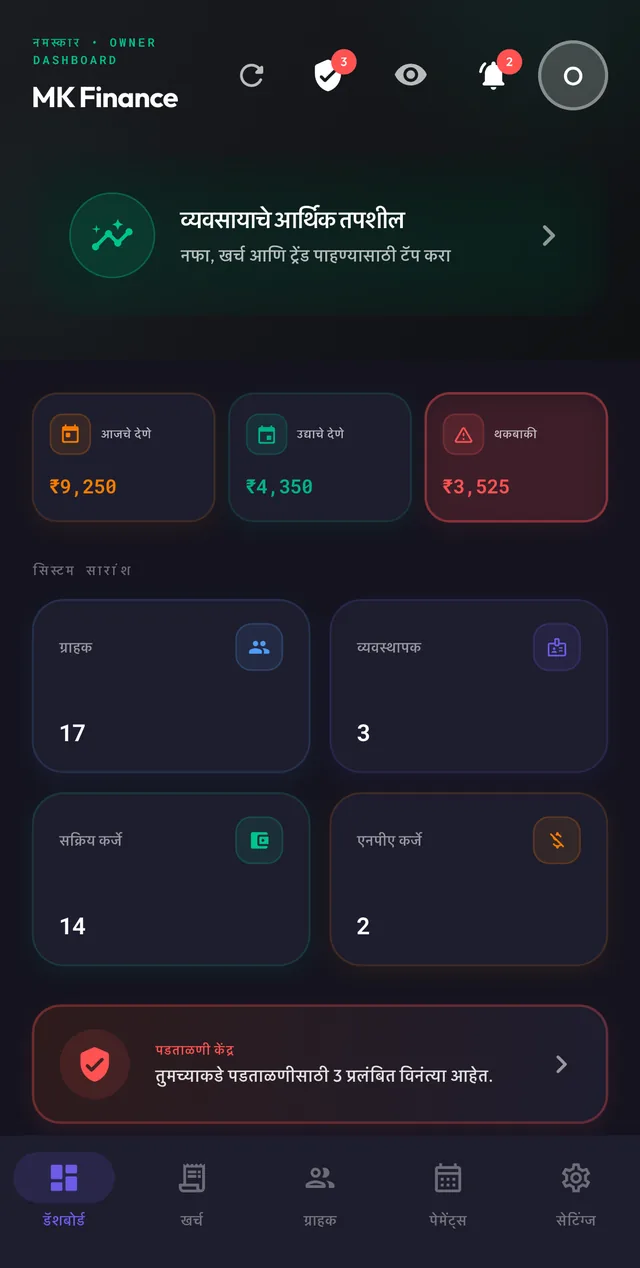
Six screens a loan passes through. Owners and managers see the same record, with different powers.
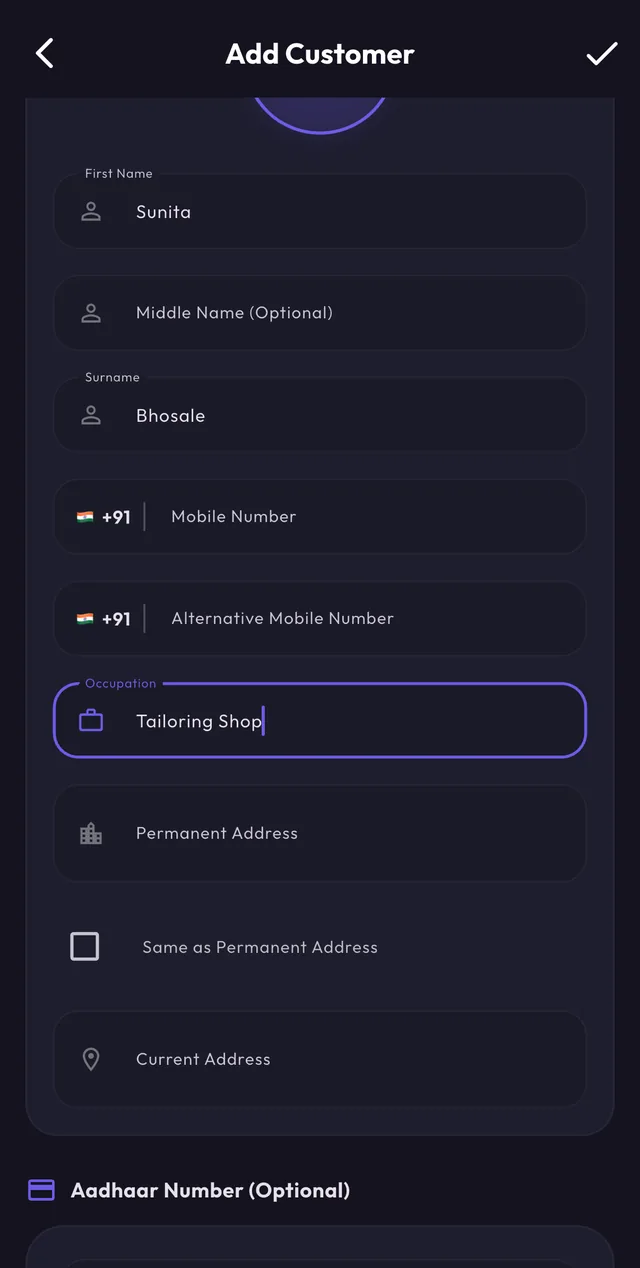
01 · Customer
Add the customer once
Name, both mobile numbers, occupation, permanent and current address, and an Aadhaar number. After that the customer is one tap away from any loan.
- Photo and Aadhaar on file
- Same-as-permanent address shortcut
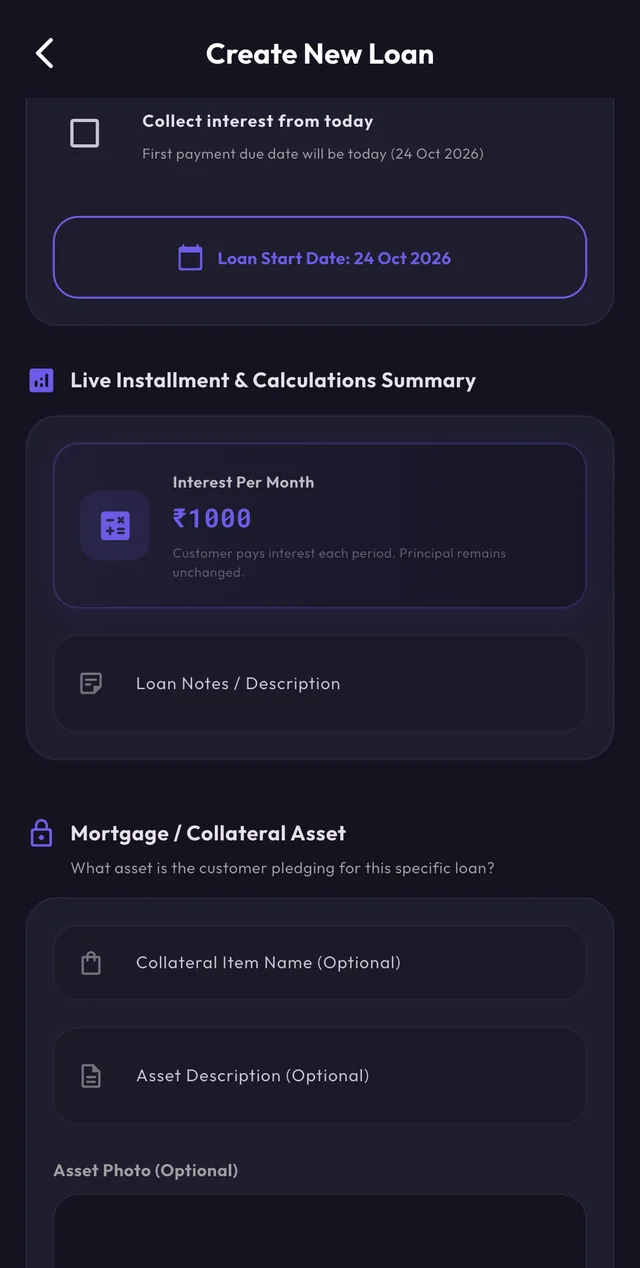
02 · Loan
Set the terms, see the interest
Pick the customer and the collection manager, then enter principal, rate, cycle and duration. The interest per cycle is worked out before anything is saved.
- Weekly, monthly or yearly cycle
- Collateral recorded with the loan
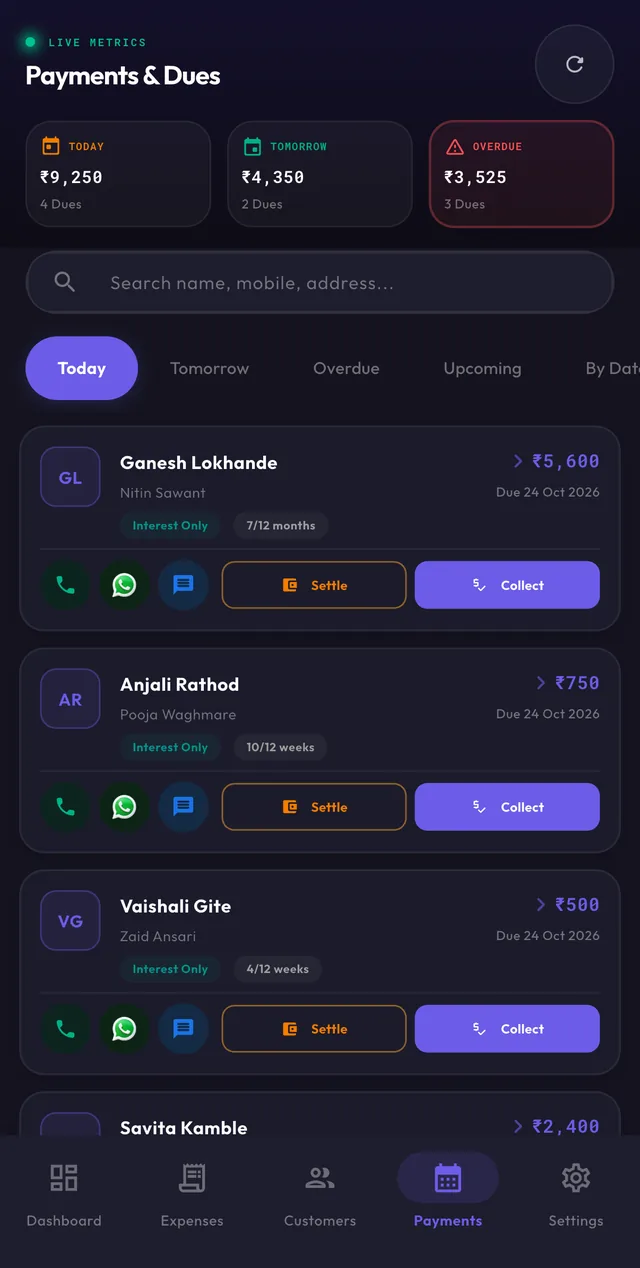
03 · Due date
The day's work is already sorted
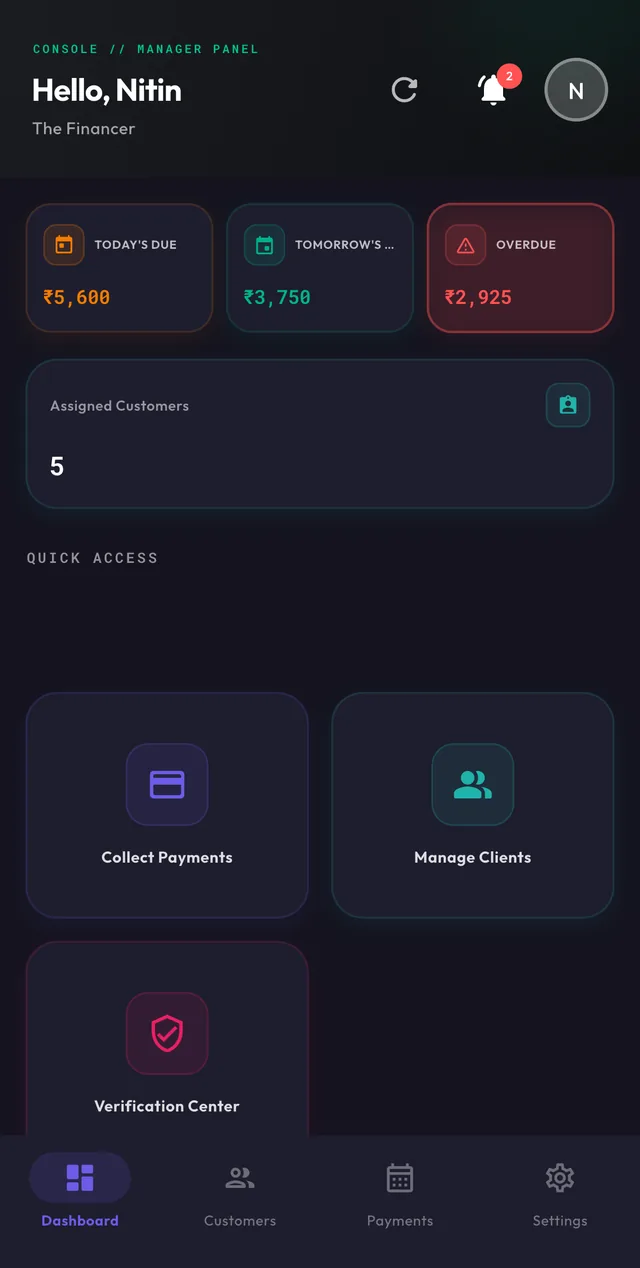
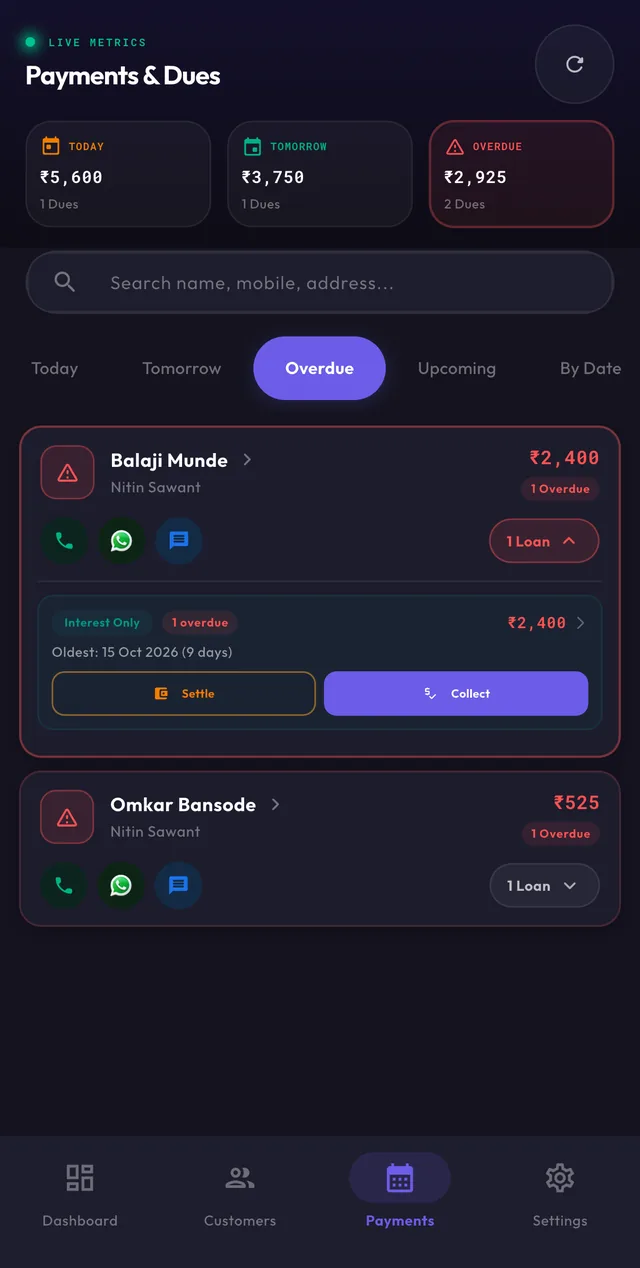
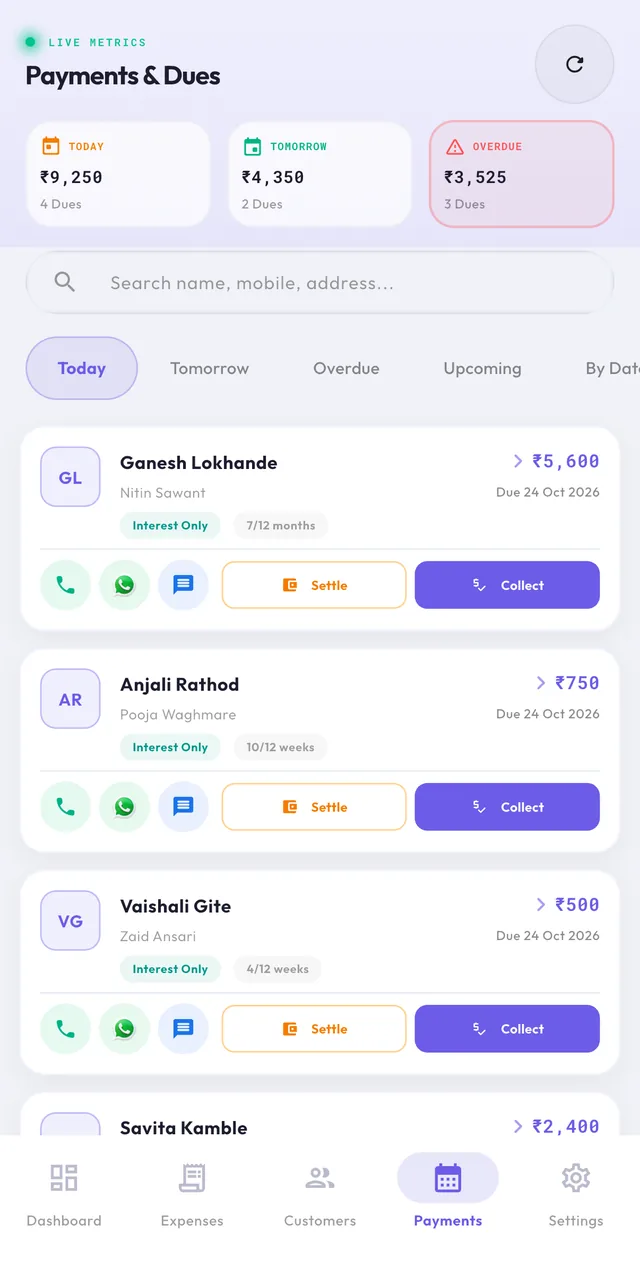
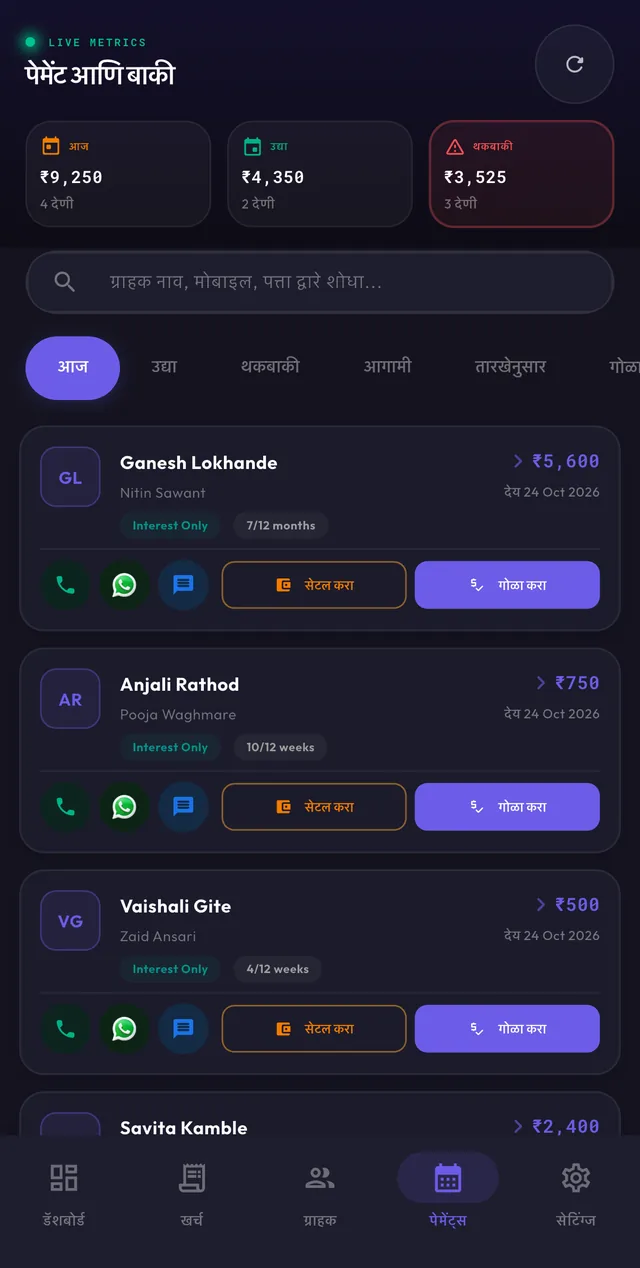
Today, Tomorrow, Overdue, Upcoming or any date you pick. Call, WhatsApp or text the customer straight from the card.
- Totals for today, tomorrow and overdue
- Search by name, mobile or address
04 · Collection
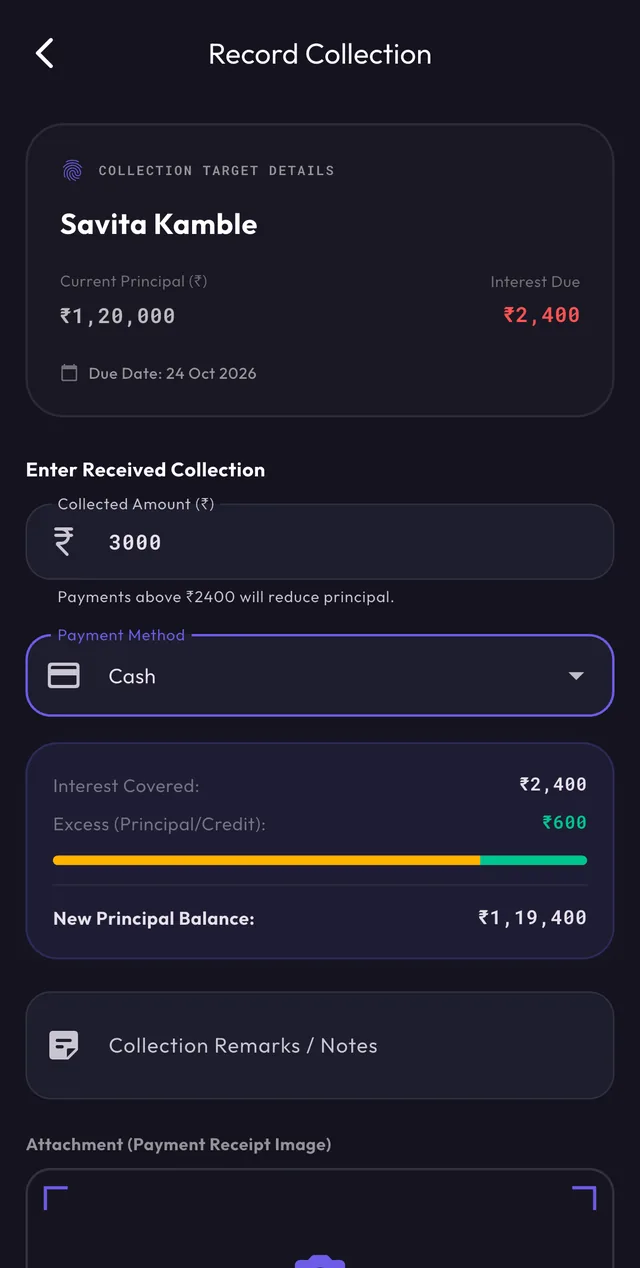
Enter what was actually paid
Record the amount and how it was paid. The app splits it into interest covered and the excess, and shows the new principal before you confirm.
- Cash or online
- Receipt photo and remarks
05 · Control
Nothing is final until the owner says so
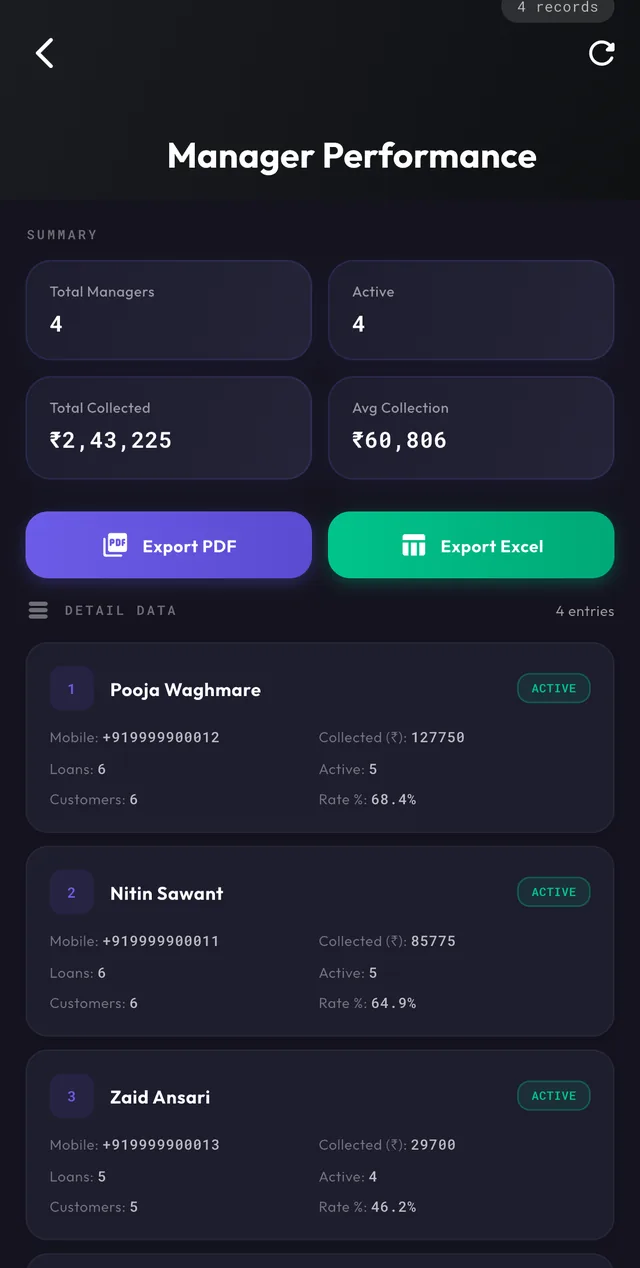
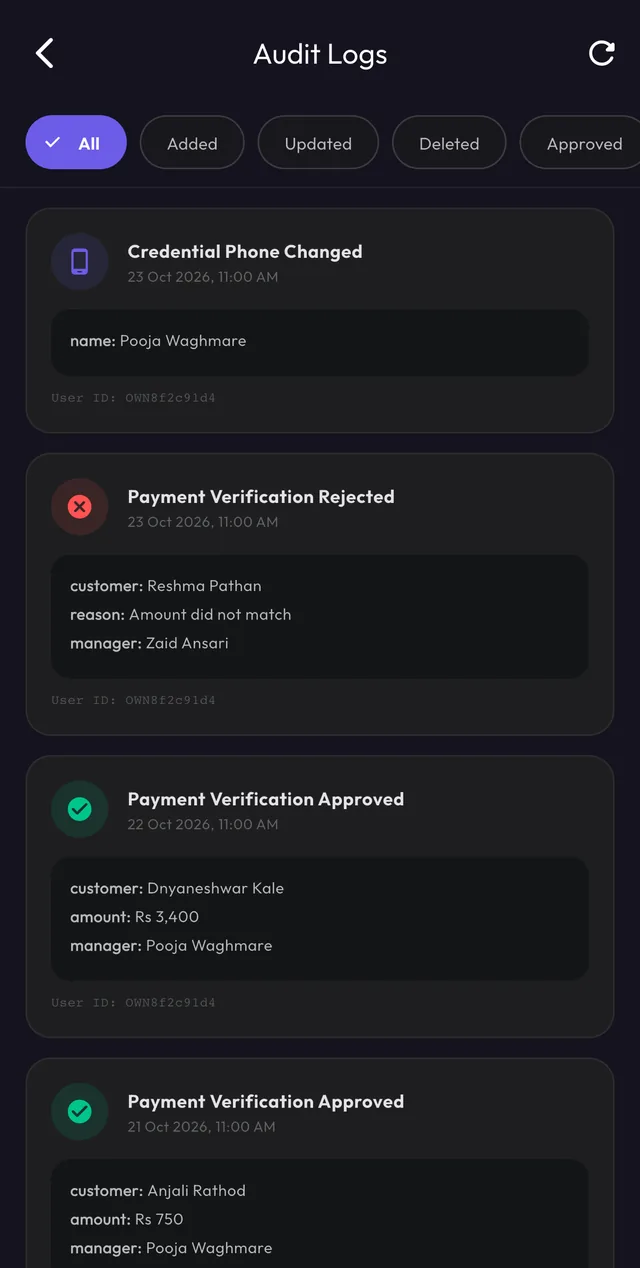
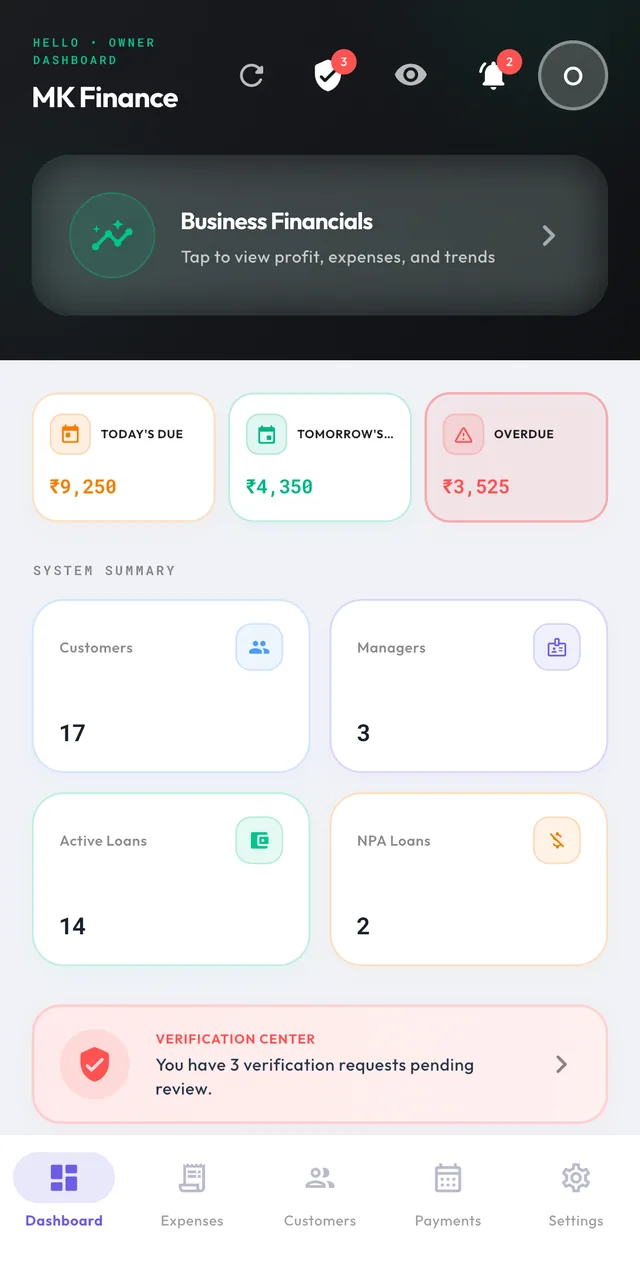
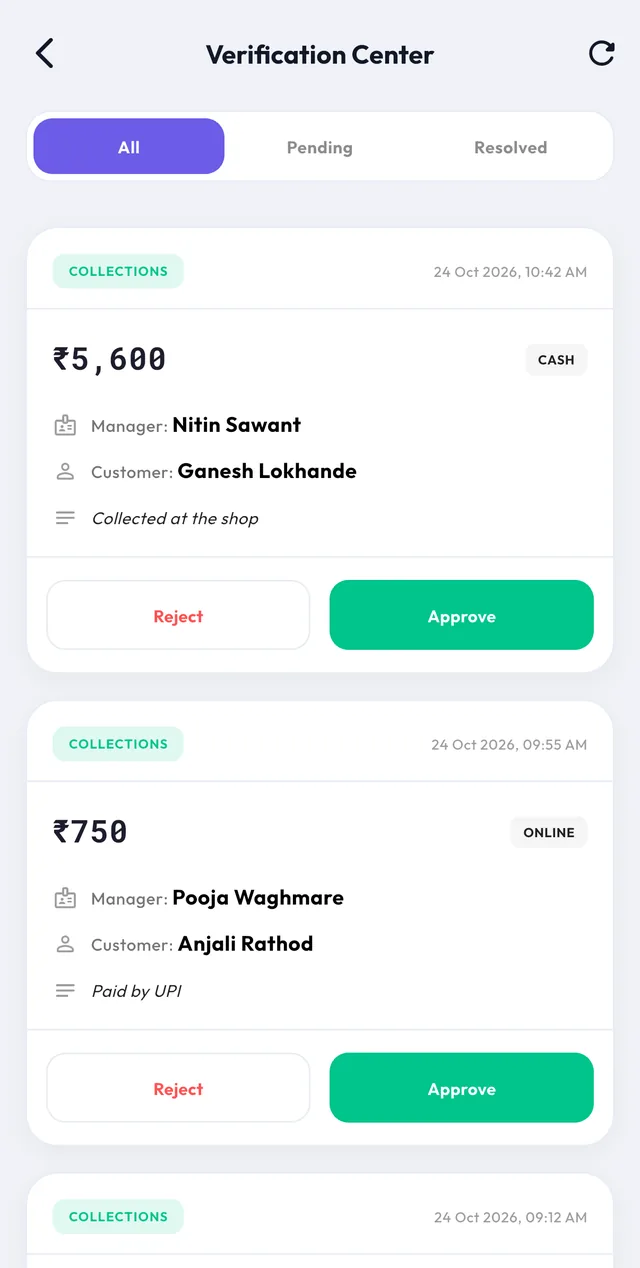
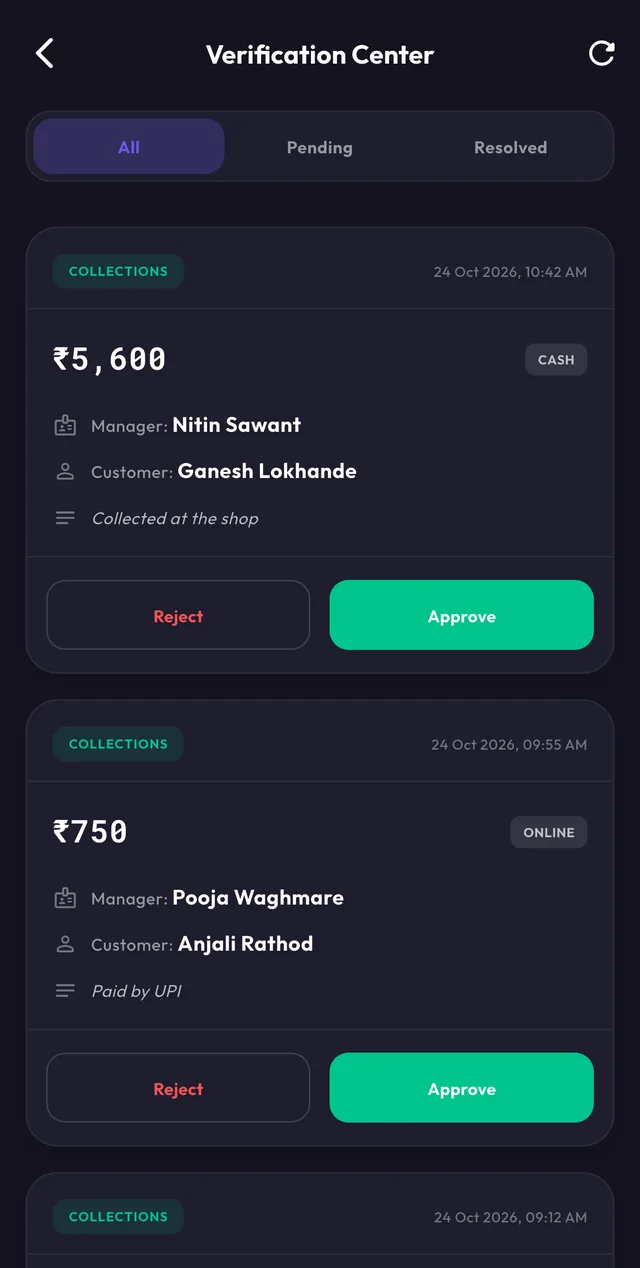
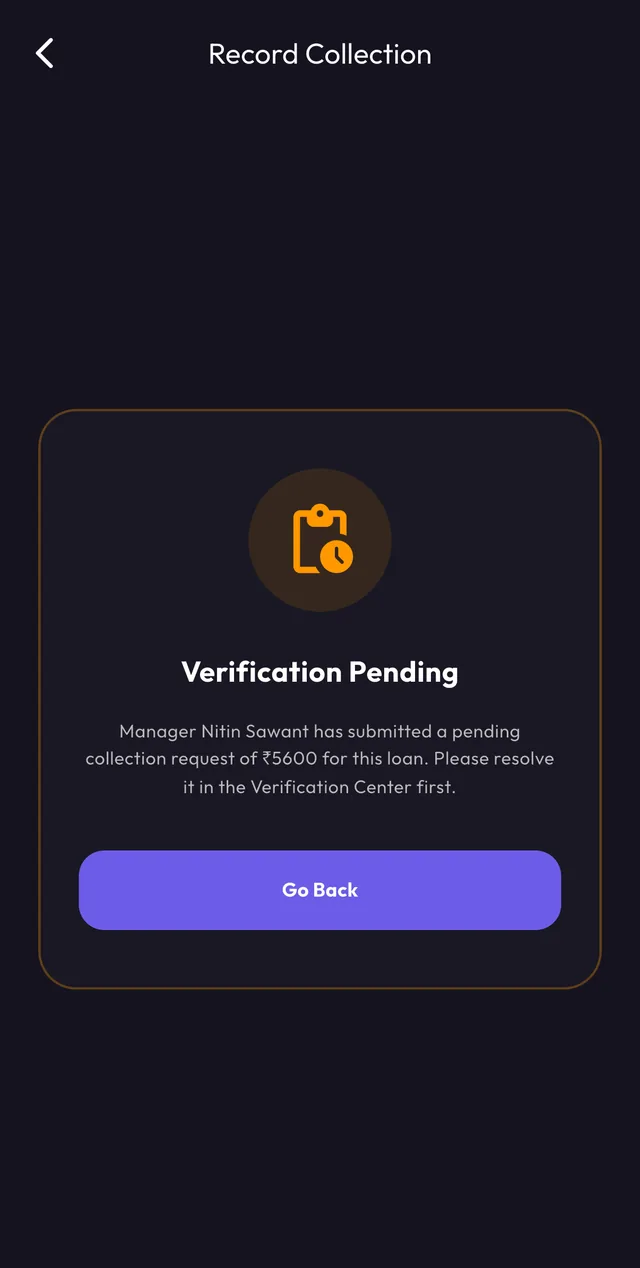
A manager's collection is sent to the owner as a request. Until it is approved or rejected, the loan cannot take a second payment, so the books never drift.
- Approve or reject in one tap
- Every decision lands in the audit log
06 · Record
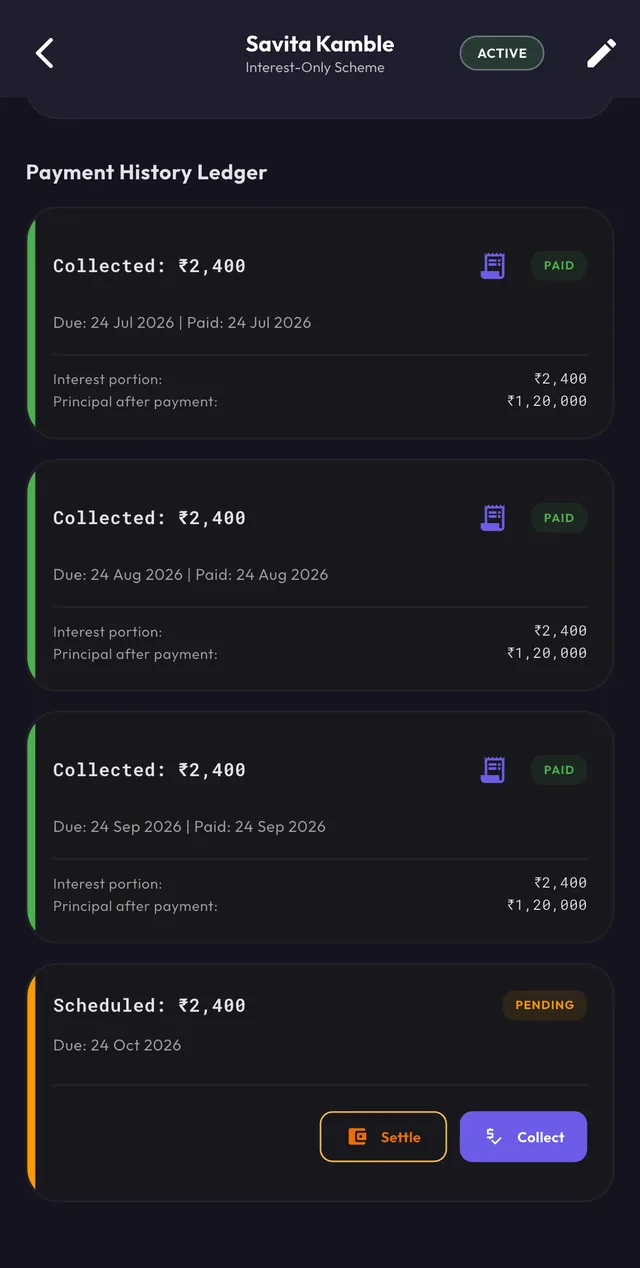
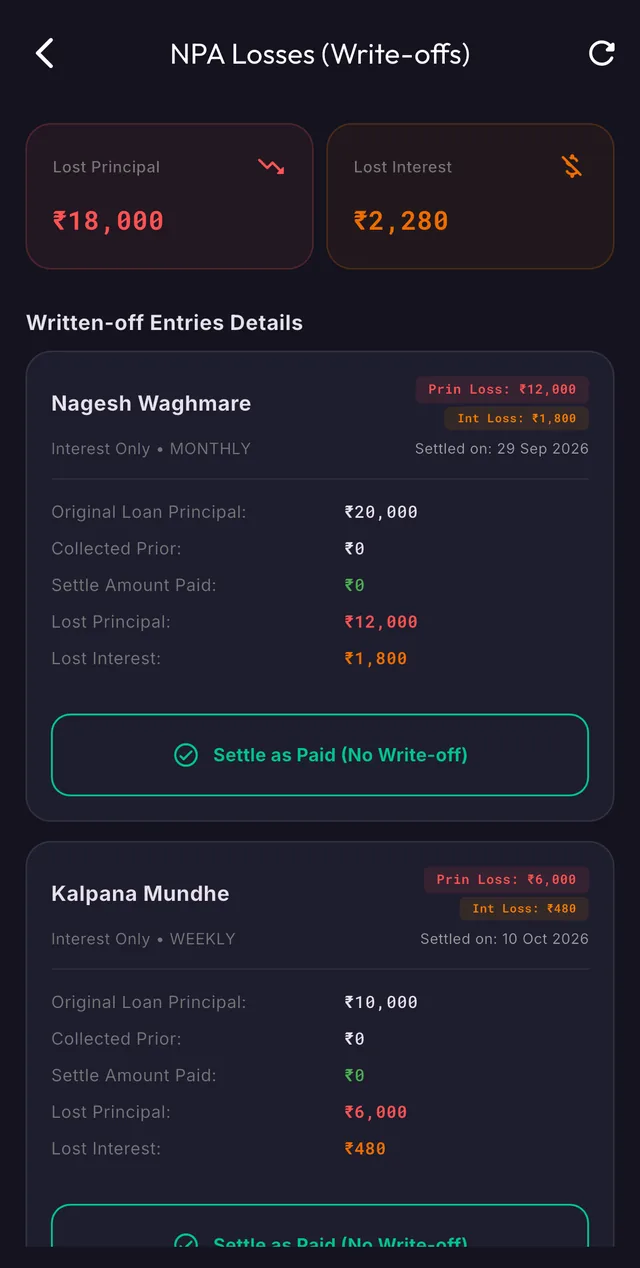
A ledger that explains itself
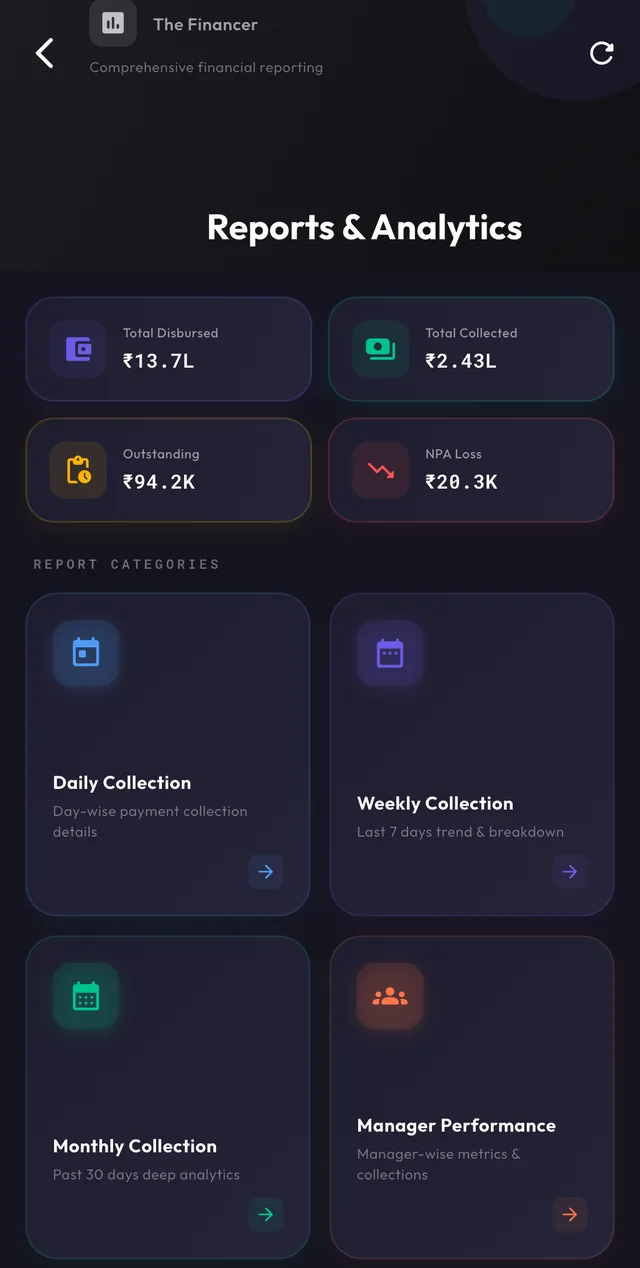
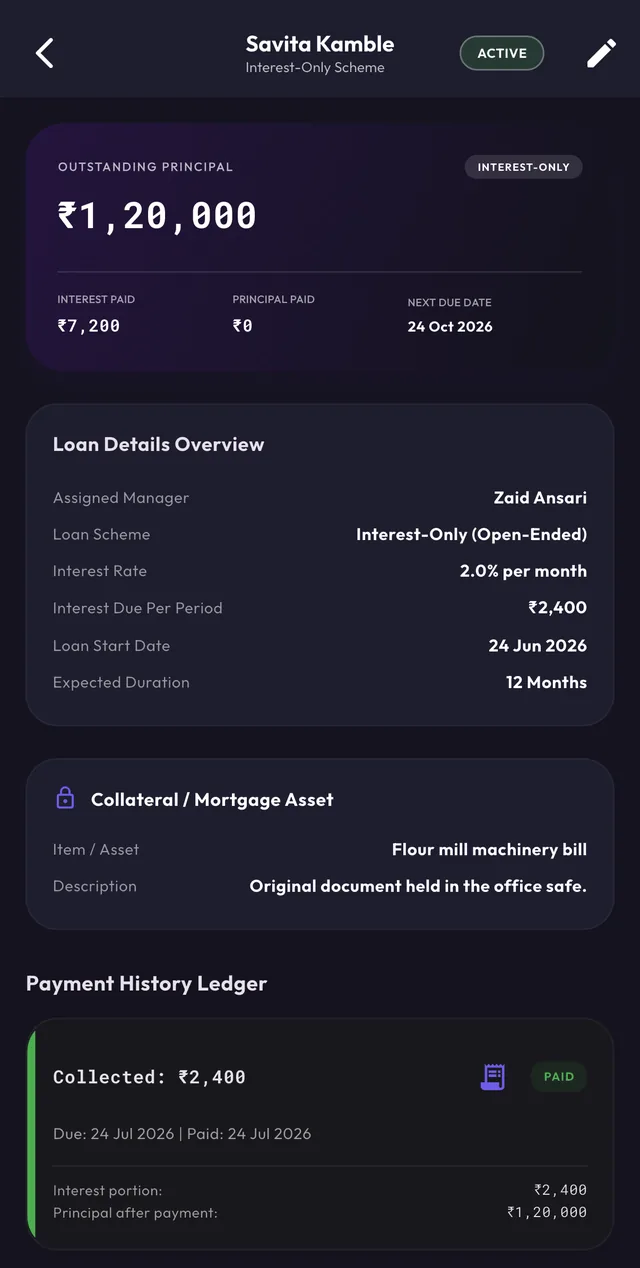
Each payment keeps its interest portion, principal portion and the principal left after it. Share a receipt with the customer on WhatsApp or SMS.
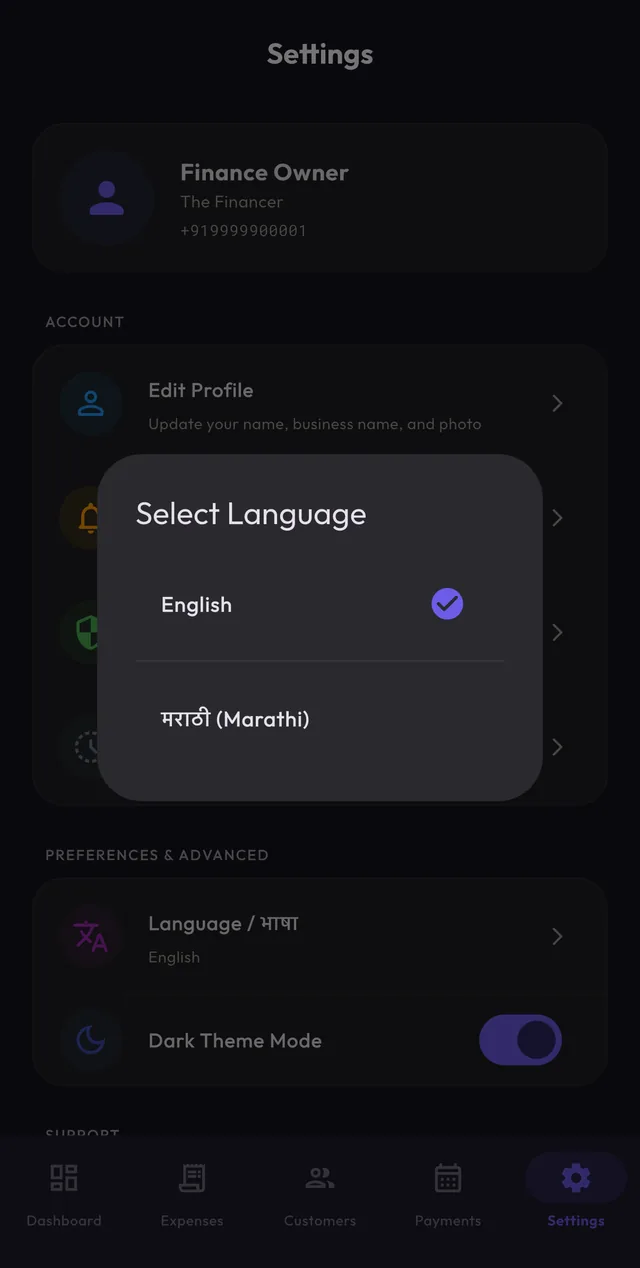
- Receipts in English and मराठी
- Full history per loan